Financial account security,
the full stack.
One compromised account can undo years of wealth building. This page covers the complete security stack for your financial life: password managers, two-factor authentication, hardware security keys, and the specific actions that block the overwhelming majority of attacks.
This page covers US-specific accounts and tax law. Outside the US? The priority order is the same, the account names differ (ISAIndividual Savings Account (ISA)A UK tax-advantaged account where contributions are post-tax but all growth and withdrawals are tax-free.Full definition in the UK, TFSATax-Free Savings Account (TFSA)A Canadian tax-advantaged account where contributions are post-tax but all growth and withdrawals are tax-free.Full definition/RRSPRegistered Retirement Savings Plan (RRSP)A Canadian tax-deferred retirement account; contributions reduce taxable income and growth is tax-deferred until withdrawal.Full definition in Canada, Super in Australia, etc.).
The security stack in order of priority: unique strong passwords in a password manager, 2FA on every financial account using an authenticator app (not SMS), a hardware security key for critical accounts, credit freeze at all three bureaus, account alerts on everything. One afternoon of work. Protects you indefinitely.
On this page
Why this matters
Data breaches expose usernames, passwords, email addresses, and often Social Security numbers and dates of birth. If you reuse passwords, one breach gives attackers access to every account using that password. If you use SMS two-factor, a SIM swap attack transfers your phone number to a scammer's device and they receive your codes verify×DON'T TRUST, VERIFYClaim: SIM-swap attacks bypass SMS-based two-factor authentication by transferring the victim's phone number to the attacker's device.Verify at: FTC SIM-swap guidance ↗ and FBI SIM-swap warning ↗ Source 1 in the list belowBoth FTC and FBI have issued explicit warnings on this vector. Authenticator apps and hardware keys resist it.. Your account is compromised even with 2FA enabled.
The solution is not complicated. It is a one-time setup.
The password manager
Use a password manager. Without one you either reuse passwords (dangerous) or use weak memorable ones (also dangerous). With one, every account gets a unique random 20-plus character password. You remember one master password.
Open source, audited, fully functional free tier. Self-host option available.
bitwarden.com ↗Setup (30 minutes)
- Install the app.
- Create your master password. Use a passphrase: four or more random words, minimum 20 characters. Write it on paper and store it somewhere secure. This is the one password you cannot lose.
- Install the browser extension.
- As you log into accounts over the next week, save them to the manager, then update each to a unique random password.
Two-factor authentication
Three types of 2FA, weakest to strongest:
A SIM swap transfers your number to an attacker's device. They receive your codes. Avoid for financial accounts.
Google Authenticator, Authy, or your password manager's built-in authenticator. Generates time-based codes on your device. Not transmitted by SMS. Not interceptable by SIM swap. authy.com ↗
A physical device (USB or NFC). Plugs into your computer or taps to your phone. Most phishing-resistant 2FA available. $25 to $60 per key. Buy two and keep one as backup. yubico.com ↗
Priority order for 2FA setup
- Email accounts first. Email is the master key. Password resets go to email. Gmail, Outlook, iCloud. Use authenticator app minimum.
- Financial accounts. Fidelity, Schwab, Vanguard, your bank, your brokerage, any Bitcoin exchange, credit-card portals.
- Bitcoin-specific. Any exchange holding Bitcoin. Your Fidelity account if holding IBIT or FBTC.
- Tax-related. IRS online account at irs.gov ↗ (create one if you do not have it). TurboTax, H&R Block, FreeTaxUSA.
Hardware security keys
A hardware key provides the highest level of protection against phishing. Here is how phishing bypasses authenticator apps: you receive a fake login page that looks real, you enter your password and authenticator code, the attacker's server immediately uses both on the real site. Your account is compromised even with authenticator 2FA.
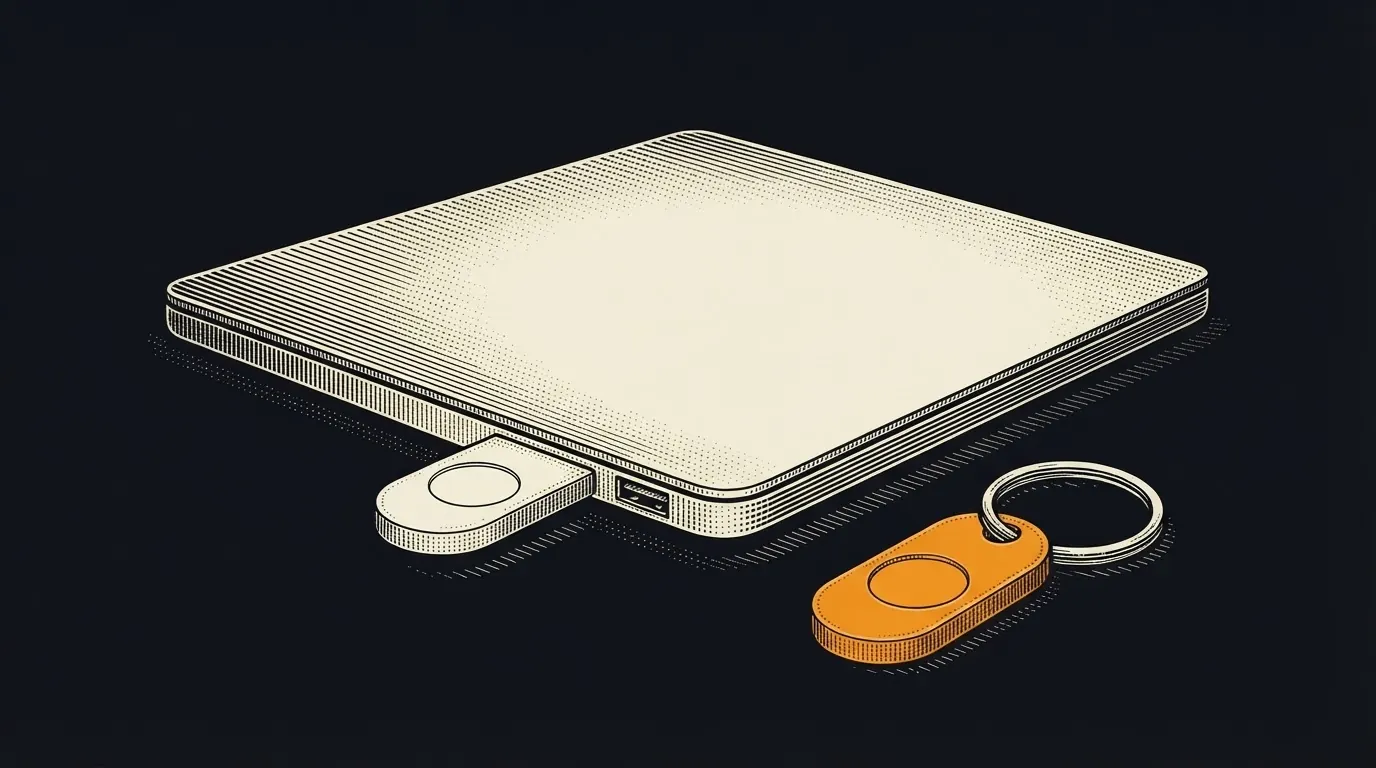
Hardware keys block this. The key cryptographically verifies the actual website domain. If the domain does not match the registered site, the key refuses to authenticate. Even if you enter your password on a fake site, the key does not work verify×DON'T TRUST, VERIFYClaim: FIDO2/WebAuthn hardware keys are phishing-resistant because they bind authentication to the registered domain.Verify at: FIDO Alliance ↗ Source 2 in the list belowCore security property of WebAuthn. Also why Google has not had a confirmed phishing account takeover among employees since switching to hardware keys (reported 2018)..
Recommended: YubiKey 5 Series. Works with Gmail, Microsoft, GitHub, many financial sites, 1Password, Bitwarden. Buy two identical keys. Register both on every account. Store one as a backup somewhere safe.
Many financial institutions still do not support hardware keys. Use authenticator app for those. The landscape is improving.
Bitcoin-specific security
Your hardware wallet IS your security key for Bitcoin. See Hardware Wallets.
- Never enter your seed phraseSeed phraseA wallet backup written as a list of words, usually 12 or 24, that can recreate the wallet's private keys. In a single-signature wallet, anyone who sees it can take the bitcoin unless a separate passphrase also protects it. Keep it offline and private; recovery may also need the passphrase and wallet setup details.Full definition on any website or app. Ever. No exceptions. Any site asking for it is a scam.
- Keep your hardware wallet offline when not in use.
- Keep your seed phrase on metal storage, not paper, not a photo, not a digital file.
- See Seed Phrase Rules.
Account alerts
Set up transaction alerts at every financial institution. Email or push notification for any transaction over a threshold, new device login, password change, address change, new beneficiarybeneficiaryThe person or entity you name to receive an account or insurance policy when you die. added.
These do not prevent attacks but alert you immediately so you can respond before more damage is done. Most banks and brokerages have alert settings in the account security section. Set them all. About 10 minutes per institution.
The complete setup checklist
One afternoon. One time. Done.
- Install Bitwarden or 1Password
- Set master password (write it down, store securely)
- Install browser extension
- Download authenticator app (Authy or 1Password/Bitwarden built-in)
- Enable 2FA on email accounts using authenticator app
- Enable 2FA on all financial accounts using authenticator app
- Freeze credit at Equifax, Experian, TransUnion →
- Create IRS online account
- Enable account alerts at all financial institutions
- If holding significant Bitcoin: order two YubiKeys
- Update passwords at financial accounts to unique random passwords via password manager
Where to go from here
Sources
Verify badges in the text link to these sources. Figures, rates and rules change: check each source’s date before acting on it.
- FTC SIM-swap guidance ↩
- FIDO Alliance ↩
- FBI SIM-swap warning
- Best Password Manager for Business, Enterprise & Personal | Bitwarden | Bitwarden
- Password Manager, Secrets, and Access Management | 1Password
- Authy: Two-factor Authentication (2FA) App & Guides | Authy
- Yubico | YubiKey Strong Two Factor Authentication
- Internal Revenue Service, Online account for individuals
Last updated . Not financial advice. Disclosures · How pages are reviewed