Bitcoin custody:
five levels, beginner to sovereign.
You don't need Level 5 on day one. Reassess your custody setup as your holdings grow and your current setup starts to feel risky. Compare the five levels by their benefits and who they suit.
Level 0 is exchange custody (fine for small amounts, dangerous for serious holdings). Level 1 is software wallet on your phone (great for spending, not for savings). Level 2 is hardware wallet (the minimum for meaningful holdings). Level 3 adds your own Bitcoin node (privacy improves significantly). Level 4 is multisig (no single point of failure). Level 5 is full sovereignty, multisig, Lightning, inheritance, and UTXOUnspent Transaction Output (UTXO)A piece of bitcoin you received and have not yet spent, like a separate bill in a wallet. Your balance is the total of your UTXOs. Spending uses up whole UTXOs and creates new ones, usually including change sent back to you, and each UTXO carries its own history, which matters for privacy.Full definition hygiene as a practiced discipline. Most people end up at Level 2 or 3 and stop there. That is fine. The decision is matched to stack size and threat model, not identity.
On this page
Level 0 · Exchange custody
What it is: the exchange (Coinbase, Kraken, River) holds your Bitcoin for you. You log in with email and password. Strike is in the same category. Your coins are an IOU on the exchange's books.
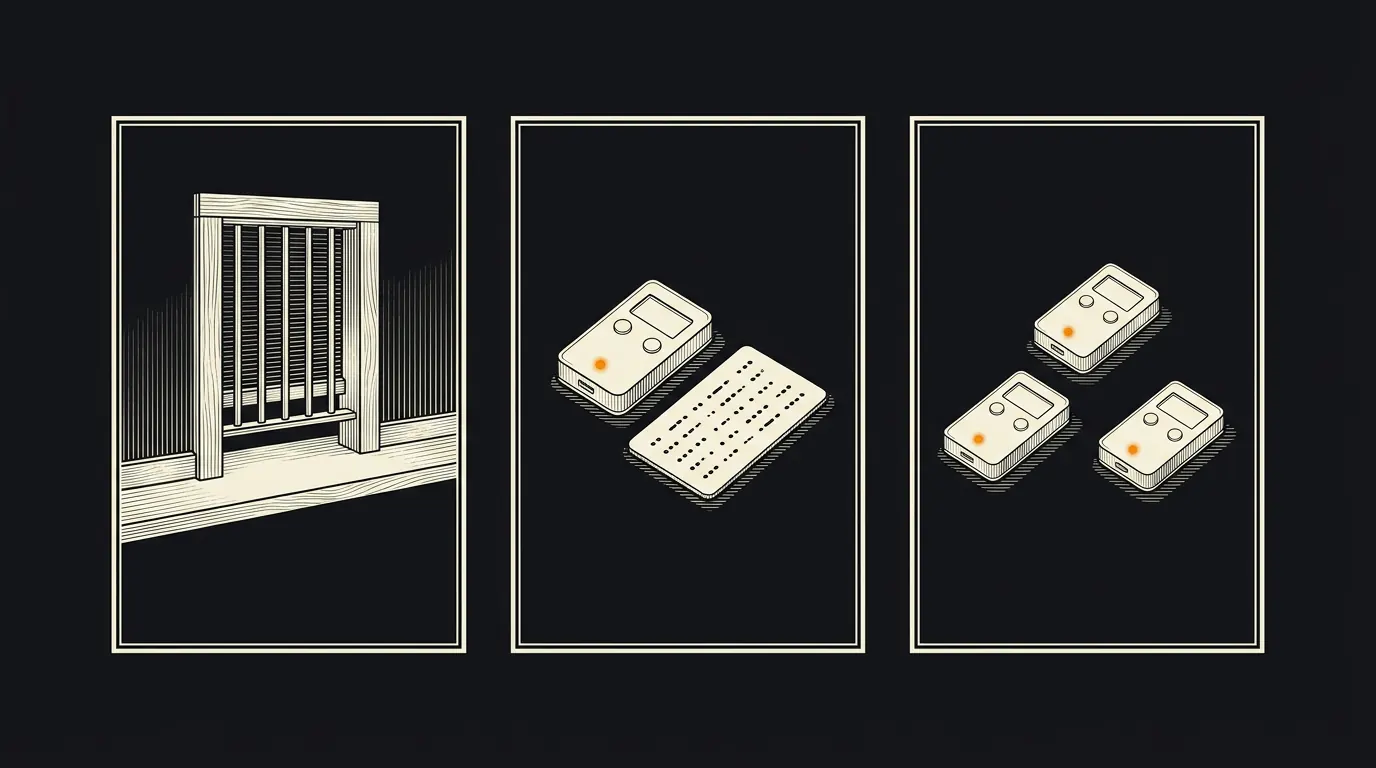
What you're trusting: the exchange's solvency, security, management, regulators, and not being on the wrong side of a subpoena or sanction.
When it's acceptable: getting started, small amounts, the week or two between buying and setting up self-custody, the fiat on-ramp for new deposits.
When to leave: balance above a few hundred dollars, or as soon as you understand self-custody well enough to test a withdrawal. Mt. Gox, QuadrigaCX, Celsius, BlockFi, FTX, the pattern is clear. Exchanges fail. Even "safe" ones. For the full failure record and what bankruptcy does to customer claims, see is my exchange safe.
Level 1 · Software wallet on your phone
What it is: Blue Wallet or Phoenix on your phone. You control the keys. They live on the phone.
What you gain: self-custody. Nobody can freeze your coins. Lightning sending and receiving. Practical spending.
Risks: phone theft, loss, damage, or compromise. If you lose the phone without a backup of the seed phraseSeed phraseA wallet backup written as a list of words, usually 12 or 24, that can recreate the wallet's private keys. In a single-signature wallet, anyone who sees it can take the bitcoin unless a separate passphrase also protects it. Keep it offline and private; recovery may also need the passphrase and wallet setup details.Full definition, the Bitcoin is gone. If malware captures your seed on a rooted phone, the Bitcoin is gone.
Laptop wallets count too: BlueWallet, Phoenix, Muun, Sparrow on a laptop. Your keys live on your device. The wallet app cannot freeze or reverse a spend. Vulnerable to malware, stolen phones, or backing up the seed in the wrong place. Good first step after an exchange, weak for serious amounts.
Best for: Lightning payments, daily spending, amounts you would carry in a physical wallet (a few hundred dollars, occasionally up to a thousand or two for active Lightning users).
Level 2 · Hardware wallet
What it is: a dedicated device (Coldcard, Passport, Trezor, BitBox02, or Ledger) that generates and stores keys offline. Transactions are signed on the device; your computer never sees the private keyPrivate keyA secret number that proves the right to spend bitcoin by signing transactions. Most wallets derive their private keys from a seed phrase backup. The phrase is not itself a private key, but it can regenerate them, so unless the wallet also needs a passphrase or other keys, anyone who has it can spend the coins.Full definition. See hardware wallets compared for the full breakdown, including the 2020 Ledger customer-data breach that's worth knowing before choosing.
What you gain: keys isolated from the internet. Even if your computer is compromised, the attacker cannot sign transactions without physical access to the device and its PIN.
Setup, in order:
- Order the device direct from the manufacturer (never eBay, never Amazon third-party).
- Verify tamper-evident packaging on arrival.
- Generate a new seed phrase on the device itself (never accept a pre-generated phrase).
- Write the seed phrase on paper or stamp on metal. Never photograph, type, or cloud-store it.
- Verify the receive address on the device screen matches what the wallet software shows, for every significant transaction.
- Before substantial funding, practice with a new wallet and a small test balance you can afford to lose. Check the backup using the manufacturer’s on-device check first; a spare authentic compatible device is safer than erasing your only working signer. For a full drill, restore the test wallet on that spare device using the documented procedure, enter any required passphrase, verify an address against your recorded test address, then sign and send a small test transaction after synchronization. Seeing a balance alone does not prove signing access. Never wipe your only working wallet with substantial funds to try an unverified backup. Keep backup format, account type and any passphrase instructions offline and private.[1][2]
Best for: any meaningful savings position. This is the floor for anyone holding >$500 of Bitcoin seriously. One seed phrase, one device, one point of failure. This is where most holders should land. See hardware wallet setup. When the device is ready, follow the step-by-step withdrawal walkthrough to move your coins off the exchange.
Level 3 · Hardware wallet + your own node
What it is: hardware wallet for signing, plus a self-hosted Bitcoin node (Start9, Umbrel, Raspberry Pi, or bare Bitcoin Core) that your wallet software connects to. Sparrow on desktop is the typical coordinator.
What you gain: your transactions do not leak to third-party Electrum servers or wallet backends. Your queries don't tell anyone which addresses are yours. The node can run Bitcoin Core or Fulcrum indexer. You verify every block and every balance yourself. No third party learns your addresses or your IP. This is the first level where nobody else knows what you own. The privacy improvement is significant, see privacy guide.
Best for: privacy-conscious holders and anyone with a meaningful stack. The marginal setup cost is an afternoon; the marginal ongoing cost is essentially zero once running.
Level 4 · Multisig
What it is: a 2-of-3 (or 3-of-5) multisig setup where multiple hardware wallets are required to move funds. Lose one device or seed, you still have access via the remaining ones. Thief steals one device, they cannot move your coins.
What you gain: elimination of single-point-of-failure risk. The canonical large-stack configuration.
Tools:
- Sparrow (DIY). Free, full control, requires learning curve. Described in detail at multisig deep dive.
- Unchained Capital (guided). Collaborative custody with Unchained holding one of three keys. Good for users who want a professional safety net.
- Casa (premium). White-glove concierge multisig. Expensive but the most hand-holding.
DIY setups can also use Nunchuk instead of Sparrow. Adds complexity. The coordination work is real.
Best for: significant stacks (typically >$50,000), estate planningestate planningOrganizing your assets and legal documents so they transfer correctly and efficiently when you die.Full definition, and anyone where losing one seed would be catastrophic. Requires testing recovery end-to-end before trusting the setup with real funds.
Level 5 · Full sovereignty
What it is: multisig + self-hosted Bitcoin node + Lightning node + UTXO hygiene practiced daily + inheritance plan documented and tested + geographic key distribution. You are the bank. Privacy tooling means CoinJoin or Payjoin where still available.
What you gain: no counterparty risk. No custodian. No one who can freeze, sanction, or censor your transactions. Complete financial sovereignty in the sense Bitcoin's designers intended.
What you give up: significant ongoing attention. Key storage requires discipline. Recovery plans must be documented, tested, and re-tested. If you are the only person who can access the funds, you also need to solve the inheritance problem before something happens to you.
Best for: very large holdings, founders, privacy absolutists, and users who consider the learning curve part of the reward. Most people do not belong here and that's fine. Nobody is making you get here. But the road map exists.
Typical progression
Most holders move through the levels on this rough schedule:
- Week 1: Level 0 (exchange) while you figure out what Bitcoin is.
- First $500: still Level 0 or Level 1 (software wallet). Don't overthink it.
- First $1,000: Level 2. Order the hardware wallet. Test it with $20 first.
- First $10,000: Level 3. The node is the next upgrade.
- First $50,000: Start planning Level 4. Multisig is not trivial and should be tested thoroughly.
- Above $100,000: Level 4 should be in place. Level 5 if you're inclined.
These are rough ranges, not rules. The actual decision is: am I comfortable with the failure modes of my current setup? If not, move up. If yes, don't over-engineer.
Custody is a ladder, not a destination. The right level is the one matched to your stack size and your honest assessment of what failure modes you can tolerate. Most holders land at Level 2 or 3 and that's exactly correct. Moving up is always possible; the important thing is to move up when the current rung becomes inadequate.
When to graduate up
Thresholds are rough. The useful question is not "how much Bitcoin do I own" but "what happens if the current setup fails today."
Most people should graduate up this ladder over time, not skip steps. Each rung reduces a specific counterparty or operational risk. Skipping rungs is how people lose coins.
You do not have to reach Level 5
The goal is the right level for your stack size and your life. A solo-custody Coldcard with a metal seed backup in a safe is more reliable than a complicated multisig you never test. A well-documented 2-of-3 with Unchained is more reliable than a DIY 3-of-5 that your partner cannot unwind if you die.
Complexity you do not understand is worse than simplicity you do. Every level above the one you can confidently operate increases the odds of losing coins through your own error, not an attacker's.
Fiatisfake editorialA reasonable resting point for most readers is Level 2 or Level 4 (multisig) plus Level 3 (node). That covers roughly 95 percent of the threat model with roughly 20 percent of the operational burden of full Level 5.
Every level above 0 solves a specific attack. Level 2 defeats remote key exfiltration. Level 3 defeats third-party balance tracking. Level 4 defeats a single stolen or lost seed. Level 5 defeats chain-analysis surveillance and estate chaos. If none of those attacks scare you yet, you are at the right level.
New wallet or restore?
Creating a new wallet and restoring an existing wallet are different. A new wallet generates its backup on the device; reject words supplied in packaging or by another person. A verified restoration legitimately asks for your own existing backup. For example, Trezor Safe 3 supports on-device recovery initiated in authentic Trezor Suite and confirmed on the physical device. Follow the exact manufacturer procedure for your model, not a support message or search advertisement. No seed phrase, private key or passphrase should be sent to this site, a web form, chat or support agent.[1][2]
A Lightning wallet has additional recovery requirements; use the wallet-specific Lightning recovery checklist, not this on-chain drill.
Where to go from here
Sources
Bracketed numbers in the text link to these sources. Figures, rates and rules change: check each source’s date before acting on it.
- Recovery process for the Trezor Safe 3 | Trezor, retrieved 2026-09-17. ↩
- Get started with the Trezor Safe 3 | Trezor Knowledge Base | Trezor, retrieved 2026-09-17. ↩
- bips/bip-0039.mediawiki at master · bitcoin/bips · GitHub, retrieved 2026-09-17.
- Jameson Lopp, "Bitcoin Security Guide" and "Hardware Wallet Comparisons" · lopp.net.
- Unchained Capital, "Collaborative Custody" documentation · unchained.com.
- Casa multisig service · casa.io.
- Sparrow Wallet documentation · sparrowwallet.com.
- Start9 personal server documentation · start9.com.
- Andreas Antonopoulos. "Mastering Bitcoin" (O'Reilly, 2nd ed.) - chapters on keys, wallets, and multisig
- Jameson Lopp seed storage stress tests - jlopp.github.io/metal-bitcoin-storage-reviews
Last updated . Not financial advice. Always test recovery before trusting any custody setup with real funds. Disclosures · How pages are reviewed