Seed phrase
rules.
Your wallet backup is sensitive: someone with the required backup and passphrase may control the funds. Losing a copy does not necessarily lose your Bitcoin if you retain a working signer or another valid backup. Preserve that access, follow the safe migration or restoration steps below, and never expose the backup to a website or support agent.[1][2]
Keep wallet backups offline and private, in a format your wallet supports. Some devices support formats other than a 12- or 24-word BIP39 seed. Do not add a passphrase solely because the balance is large: first understand the separate recovery dependency and test it with a small balance. A forgotten passphrase can make the intended wallet inaccessible even with the backup.[1][3]
On this page
What a seed phrase is
BIP39 is the Bitcoin Improvement Proposal that standardized mnemonic seeds in 2013. Your wallet generates a pool of 128 or 256 bits of entropy, then maps it to 12 or 24 words from a fixed dictionary of 2,048 English words. Those words, fed through a standardized function, regenerate the same master private key every time.
A deterministic wallet derives many private keys from its root. Recovery also needs compatible backup format, derivation/account settings and any required passphrase; multisig additionally needs the wallet configuration and enough signers. A seed phrase alone is not a universal restore recipe, especially for Lightning channel state.[1][2][4]
A wallet backup can reconstruct signing keys, but access to the intended wallet also depends on its format and any required passphrase. Each BIP39 passphrase creates a different seed, so a typo can show an empty wallet rather than an error. Test privately before funding; never paste words into this site.[2]
The 8 non-negotiable rules
Metal backups
Metal seed storage products punch, stamp, or engrave your words into stainless steel or titanium. They survive house fires (above 1,500 F), saltwater, flooding, and rot. Jameson Lopp stress-tests them yearly and publishes failure modes.
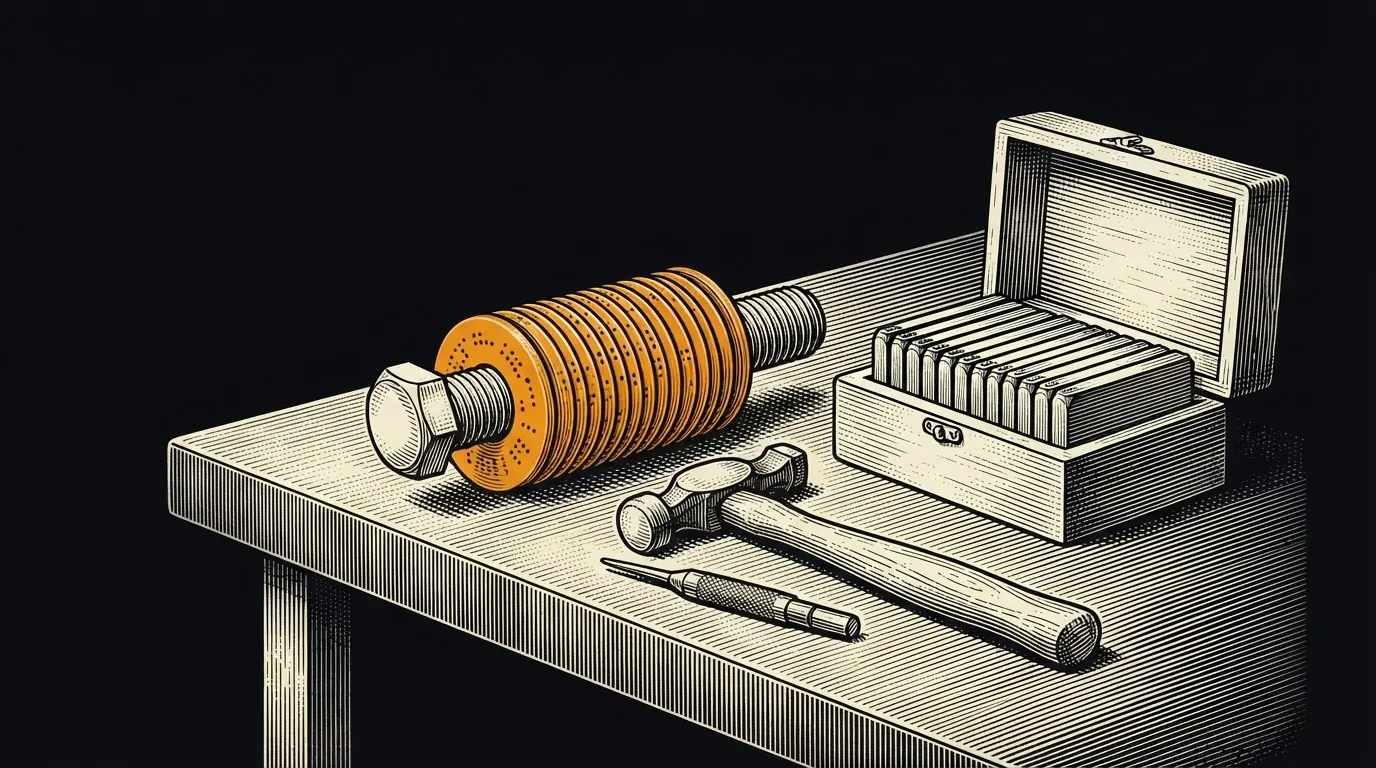
Avoid cheap anodized aluminum. Avoid glue-based tile systems. Store the plate out of sight, not in plain view.
What to do if you lose the seed
Case one: you still have a working signer and PIN. Preserve it. Create and verify a new wallet with a new backup on another authentic device, then send a small test and transfer the remaining funds to its verified address. Creating a wallet is not the same as restoring one. Do not reset the old device until access to the new wallet and funds is confirmed.[1][3]
Case two: the device is gone too. Look for your own valid backup, required passphrase or other authorized signer before concluding access is lost. If no usable keys or required backups remain, there is no protocol reset that recreates them. Do not share secrets with a purported recovery agent.[1][5]
The 25th word (BIP39 passphrase)
A BIP39 passphrase is an optional extra string that mixes with your 12 or 24 words to derive a completely different wallet. Without the passphrase, the 24 words alone open an empty or decoy wallet. With the passphrase, they open the real one.
Useful for stacks large enough to attract targeted attack. Store the passphrase in a different location from the seed words. Memorize it if possible. Lose the passphrase and the funds are gone, even if you still have the 24 words. Treat it with the same care as the seed itself.
Most people should skip the passphrase until they can articulate a specific threat it defeats. For multisig users, the passphrase is often redundant with the quorum. For a solo-custody user holding six figures, it is worth considering.
SLIP-39 and Shamir-style splitting
SLIP-39 splits a seed into multiple shares where a subset (say 3 of 5) reconstructs the original. On paper it sounds like multisig. In practice it is fragile. The shares must be coordinated, formatted identically, and recombined in the right software. Incompatibilities between Trezor SLIP-39 and other implementations have cost people money.
For most users who want "split the keys across locations," native Bitcoin multisig is the better tool. Multisig works at the protocol level, is supported by every modern wallet, and is testable. SLIP-39 belongs to a small set of advanced users who understand the coordination cost.
A safe recovery test
Creating a new wallet and restoring an existing wallet are different. A new wallet generates its backup on the device; reject words supplied in packaging or by another person. A verified restoration legitimately asks for your own existing backup. For example, Trezor Safe 3 supports on-device recovery initiated in authentic Trezor Suite and confirmed on the physical device. Follow the exact manufacturer procedure for your model, not a support message or search advertisement. No seed phrase, private key or passphrase should be sent to this site, a web form, chat or support agent.[1][3]
Before substantial funding, practice with a new wallet and a small test balance you can afford to lose. Check the backup using the manufacturer’s on-device check first; a spare authentic compatible device is safer than erasing your only working signer. For a full drill, restore the test wallet on that spare device using the documented procedure, enter any required passphrase, verify an address against your recorded test address, then sign and send a small test transaction after synchronization. Seeing a balance alone does not prove signing access. Never wipe your only working wallet with substantial funds to try an unverified backup. Keep backup format, account type and any passphrase instructions offline and private.[1][3]
This is an offline worksheet, not a seed-checking service. Do not type wallet secrets into this page.
Where to go from here
Sources
Bracketed numbers in the text link to these sources. Figures, rates and rules change: check each source’s date before acting on it.
- Recovery process for the Trezor Safe 3 | Trezor, retrieved 2026-09-17. ↩
- bips/bip-0039.mediawiki at master · bitcoin/bips · GitHub, retrieved 2026-09-17. ↩
- Get started with the Trezor Safe 3 | Trezor Knowledge Base | Trezor, retrieved 2026-09-17. ↩
- Backup your wallet, retrieved 2026-09-17. ↩
- Refund and Recovery Scams | Consumer Advice, retrieved 2026-09-17. ↩
- BIP32 Hierarchical Deterministic Wallets - BIP-0032
- SLIP-0039 Shamir's Secret-Sharing for mnemonic codes - SatoshiLabs SLIP-0039
- Jameson Lopp metal Bitcoin storage stress tests - jlopp.github.io/metal-bitcoin-storage-reviews
- Trezor documentation on passphrase (hidden wallet) - trezor.io/learn
Last updated . Not financial advice. Do your own research. Disclosures · How pages are reviewed